
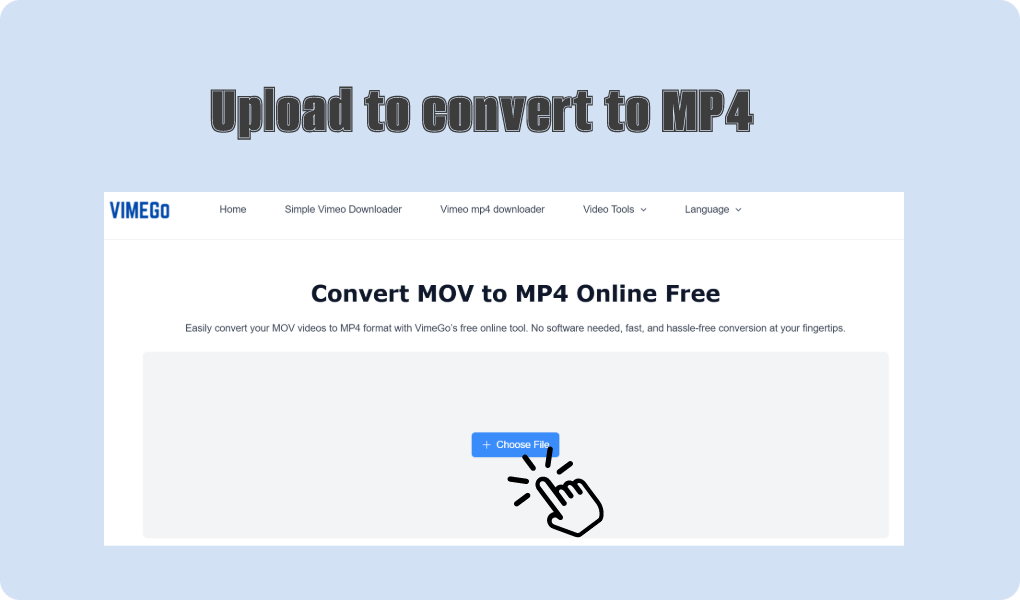
01 Upload MOV File
Click the “Upload” button and select the MOV file you want to convert from your device.

Easily convert your MOV videos to MP4 format with VimeGo’s free online tool. No software needed, fast, and hassle-free conversion at your fingertips.
Click the “Upload” button and select the MOV file you want to convert from your device.
Once the file is uploaded, click the “Convert” button to begin the conversion process.
After the conversion is complete, click “Download” to save the MP4 version of your video.
Dive into the appeal of VimeGo’s MOV to MP4 converter, and choosing this tool will give you an amazing user experience.

The MOV to MP4 converter works quickly, allowing you to convert files in seconds without sacrificing quality. Whether you’re converting a single file or multiple files, the process is smooth and hassle-free.

MP4 is a preferred format for sharing and uploading videos on social media platforms, websites, and video-sharing sites like YouTube. Converting MOV to MP4 makes your videos ready for fast online distribution.
Convert your MOV files to MP4 format to make them compatible with various video editing software. MP4 is widely supported, ensuring smooth editing and integration into your projects.

VimeGo’s converter ensures that your converted MP4 files retain excellent quality, preserving the resolution and clarity of your original MOV videos. Ideal for editing, sharing, or archiving videos in MP4 format.
I needed to convert a few MOV to MP4 for my video editing project, and I was really impressed with how easy and fast this tool worked. I simply uploaded my files, clicked ‘Convert,’ and within minutes, I had high-quality MP4 videos without any software installation. It’s also great that it’s completely free and there are no watermarks! I will definitely be using this for all my future conversions.
I was searching for an easy way to convert my MOV files to MP4 for my YouTube channel and stumbled upon VimeGo. The process was super smooth—I uploaded my videos, clicked the convert button, and had them ready to download in no time. The quality of the MP4 files was just as good as the original MOVs, and the entire experience was completely hassle-free. No annoying ads, no software downloads, just fast and effective conversion. This is now my go-to tool!
VimeGo’s MOV to MP4 converter is by far the best online tool I’ve used. I had a bunch of MOV files from my camera that I needed to convert, but most converters either had limitations or added watermarks. This tool was fast, free, and produced flawless MP4 files. I also appreciated that I didn’t need to download any software or register for an account. It’s incredibly user-friendly and efficient. Highly recommend it!
The MOV to MP4 conversion tool on VimeGo is a free online service that allows you to quickly convert MOV video files to MP4 format without the need for any software installation.