01
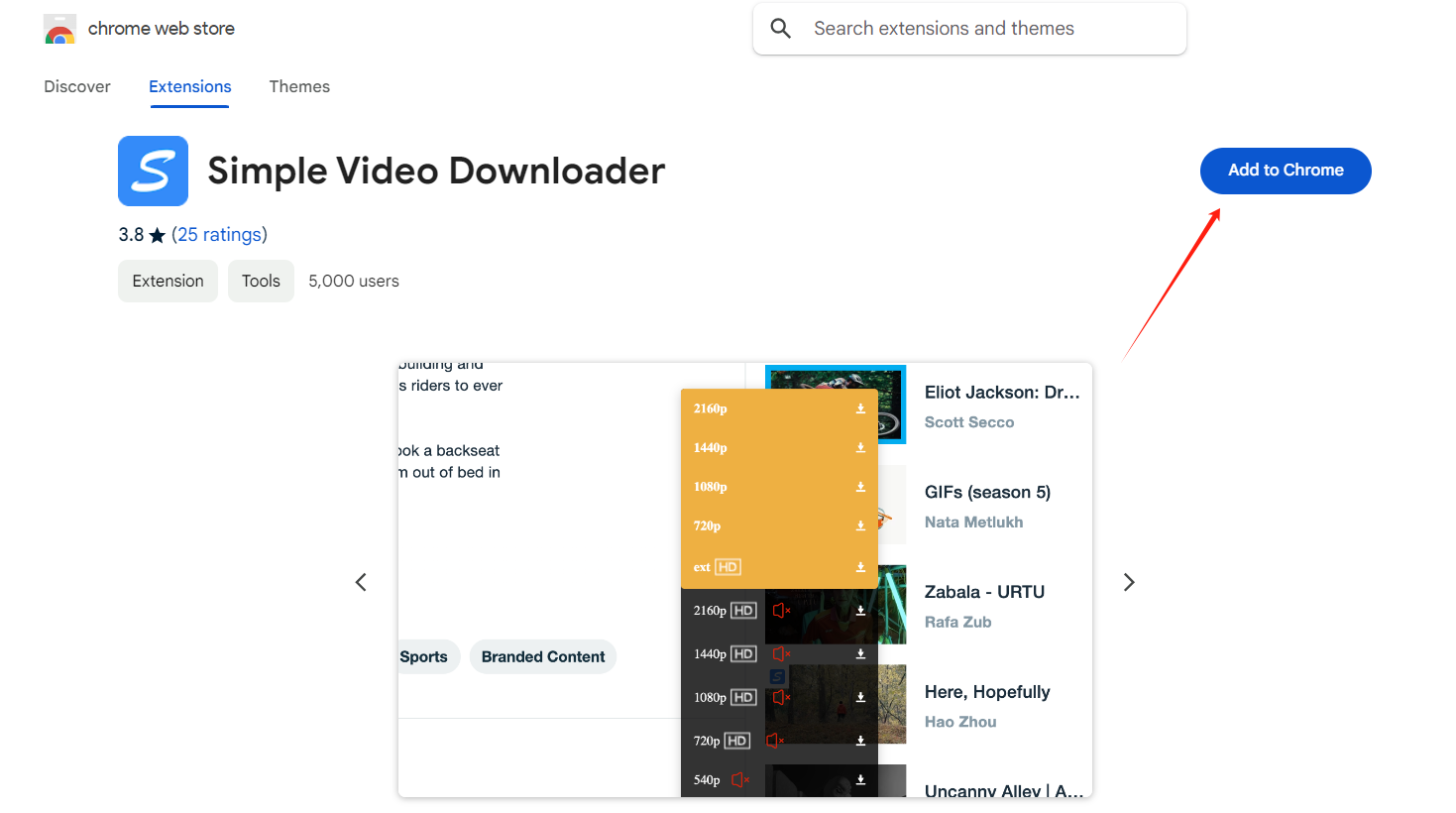
Install VimeGo to your browser
Click here to go to the VimeGo extension homepage and install it in your browser.
 Join the Discord server
 VimeGo is a free Simple Video downloader for Chrome browser extension, which can easily download high-quality videos.
200K+
Customers
1,000+
Five Star
5
Rating

VIMEGo provides you with high-quality video downloader services. You can save your favorite videos by using the online downloader for free or by installing Chrome browser extension.
If you often download videos, you must have used the cumbersome video downloader that needs to jump to the website to download videos by copying the video URL. Obviously, it can only meet our needs for downloading a few videos. We're tired of repeating so many steps when we need to download many videos.
That's why VIMEGo was born, an effective video downloader, which makes you feel very elegant and calm when downloading a large number of videos.
Explore the video downloader in 1-minute.
Click here to go to the VimeGo extension homepage and install it in your browser.

After finding the video to download on the video page or a personal website with an embedded player, click on the video cover to enter the video details page.
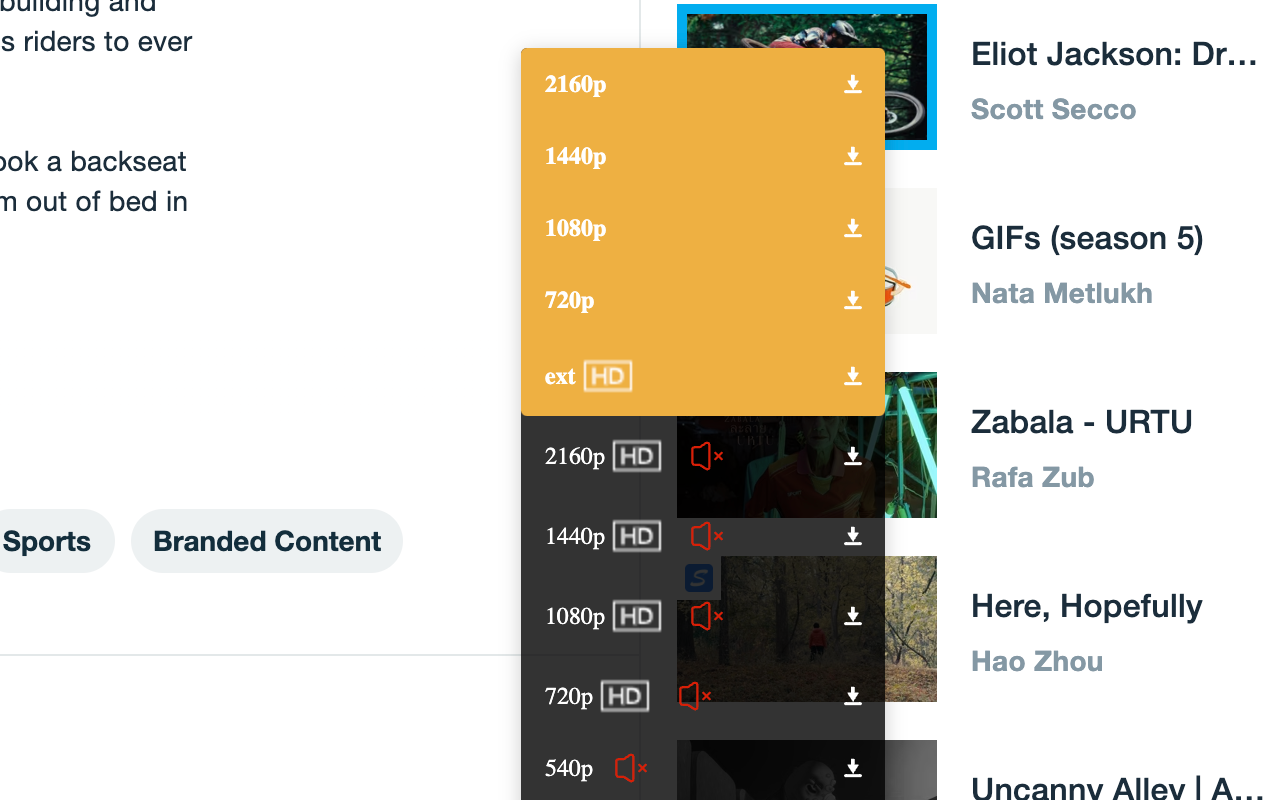
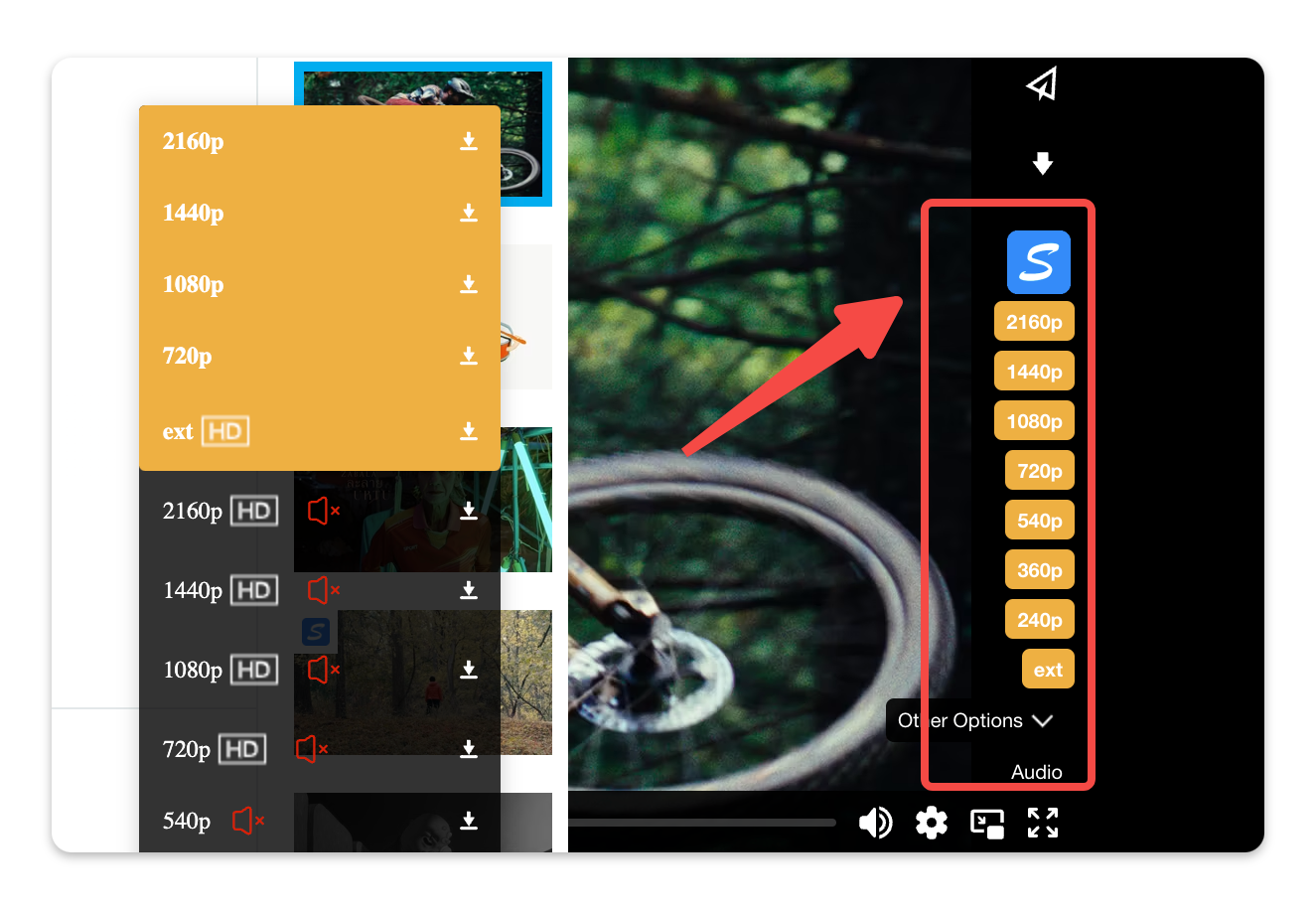
When you open a video and play it, the extension button in the enabled state automatically injects a different quality download button.
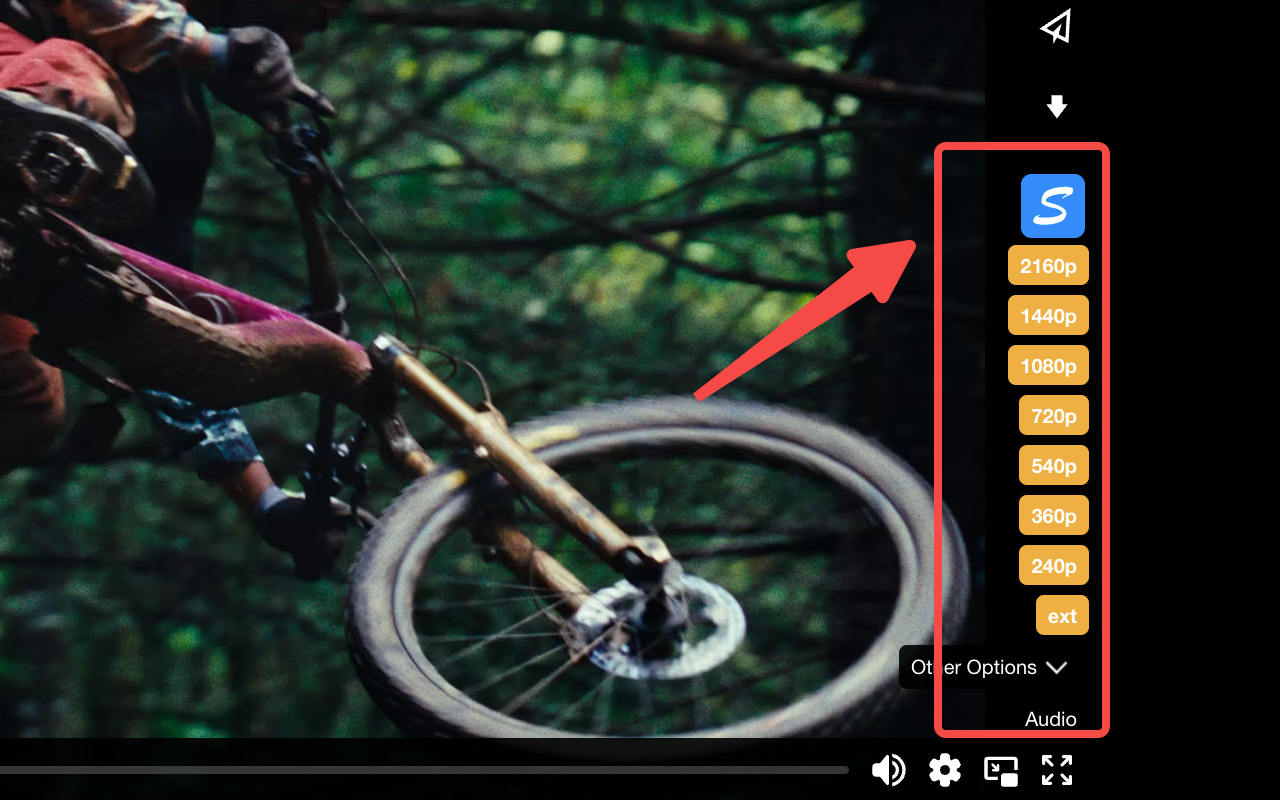
Once the video URL injection is done, a download button will appear in the video player. You can download videos to your computer by clicking the desired video quality. Currently supports downloading videos in 240p, 360p, 480p, 720p, 1080p, 2K/4K and other resolution types. Note: You can download higher resolution videos by subscribing to the Downloader extension.
Features
As an online video downloader extension, it's simple and convenient.
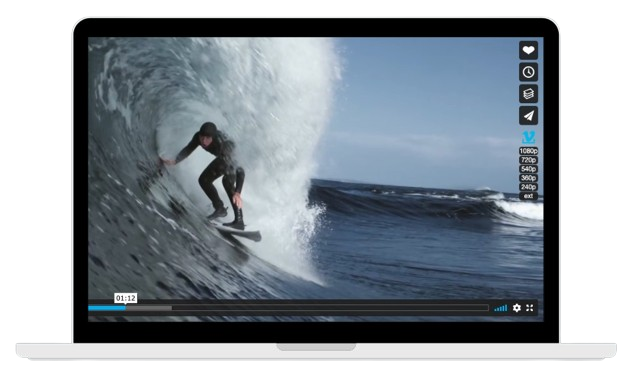
In contrast, our video downloader is more convenient. With just a few clicks, you can download videos and subtitles.
VimeGo offers you free download services to meet all your downloading needs.
With our video downloader, you can get multiple video qualities such as 240p, 360p, 540p, 720p, 1080p, and even 4K.
Use Cases of VimeGo
Join thousands using the #1 Simple Downloader Extension. Fast, secure, and effortless — Click "Install Now" to start your seamless download video journey!
Use Cases of VimeGo
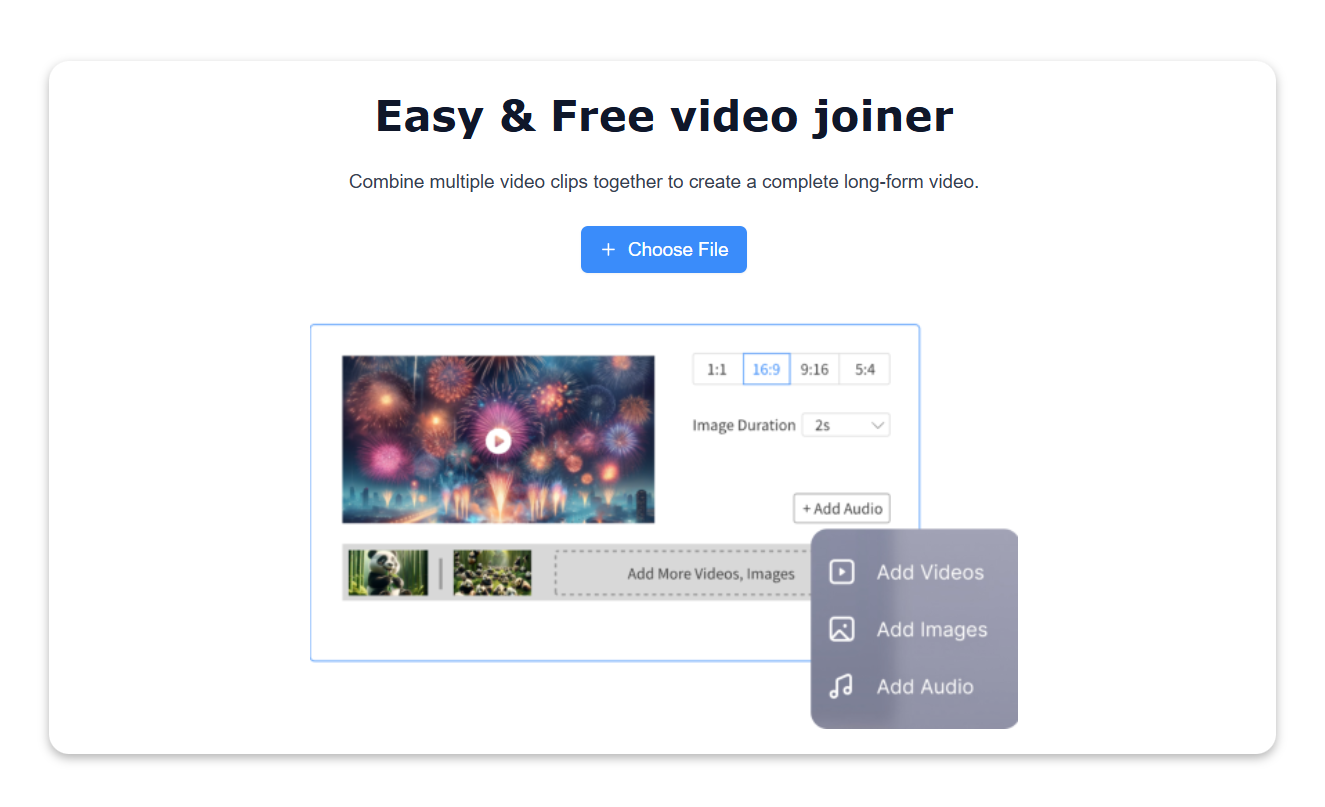
VimeGo is a free and easy video joiner that allows you to combine multiple videos into one large video file. No need Sign up.
Join Video Cut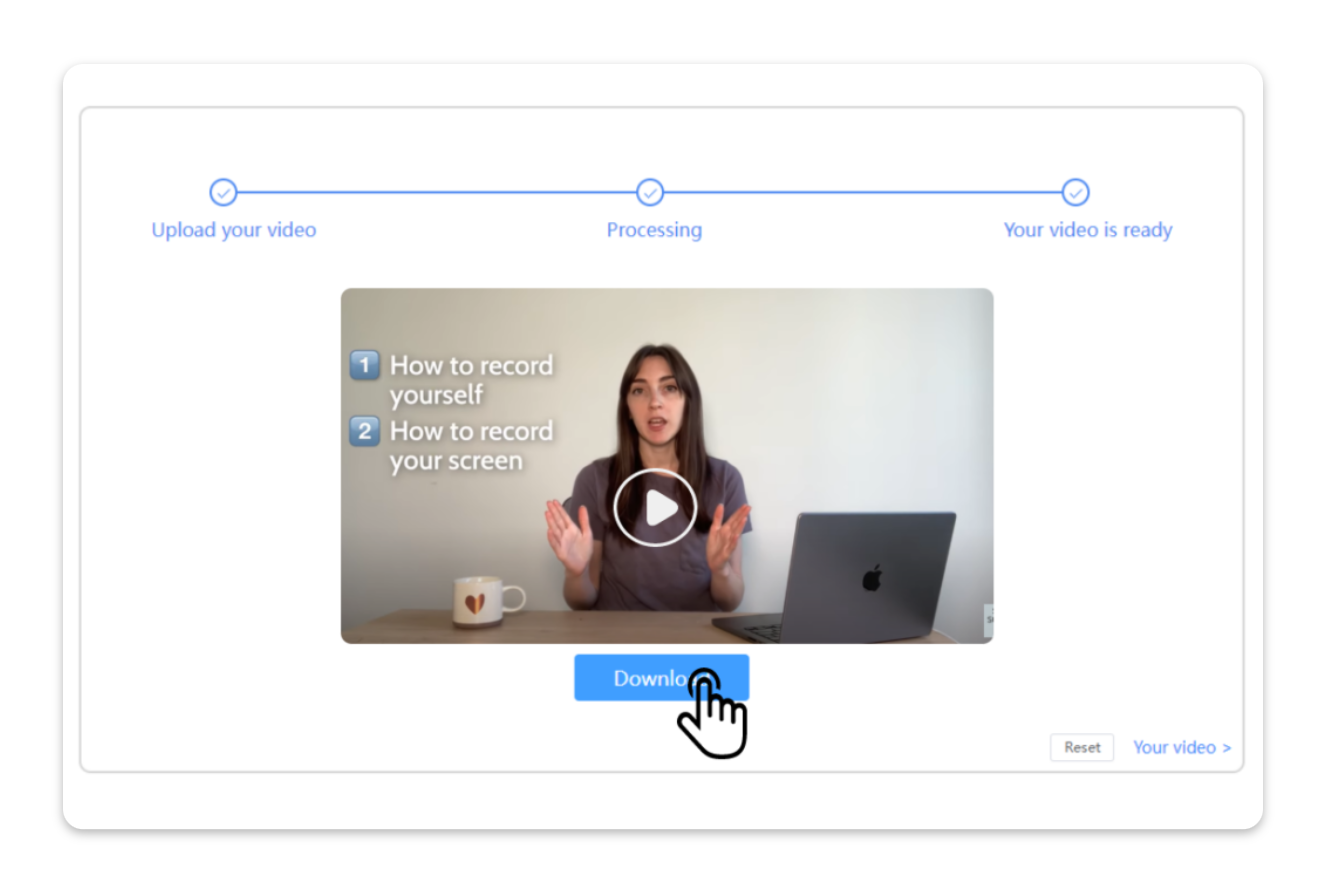
Use Cases of VimeGo
Transform your video content by removing unwanted background noise with our advanced noise reduction technology.
Remove video noise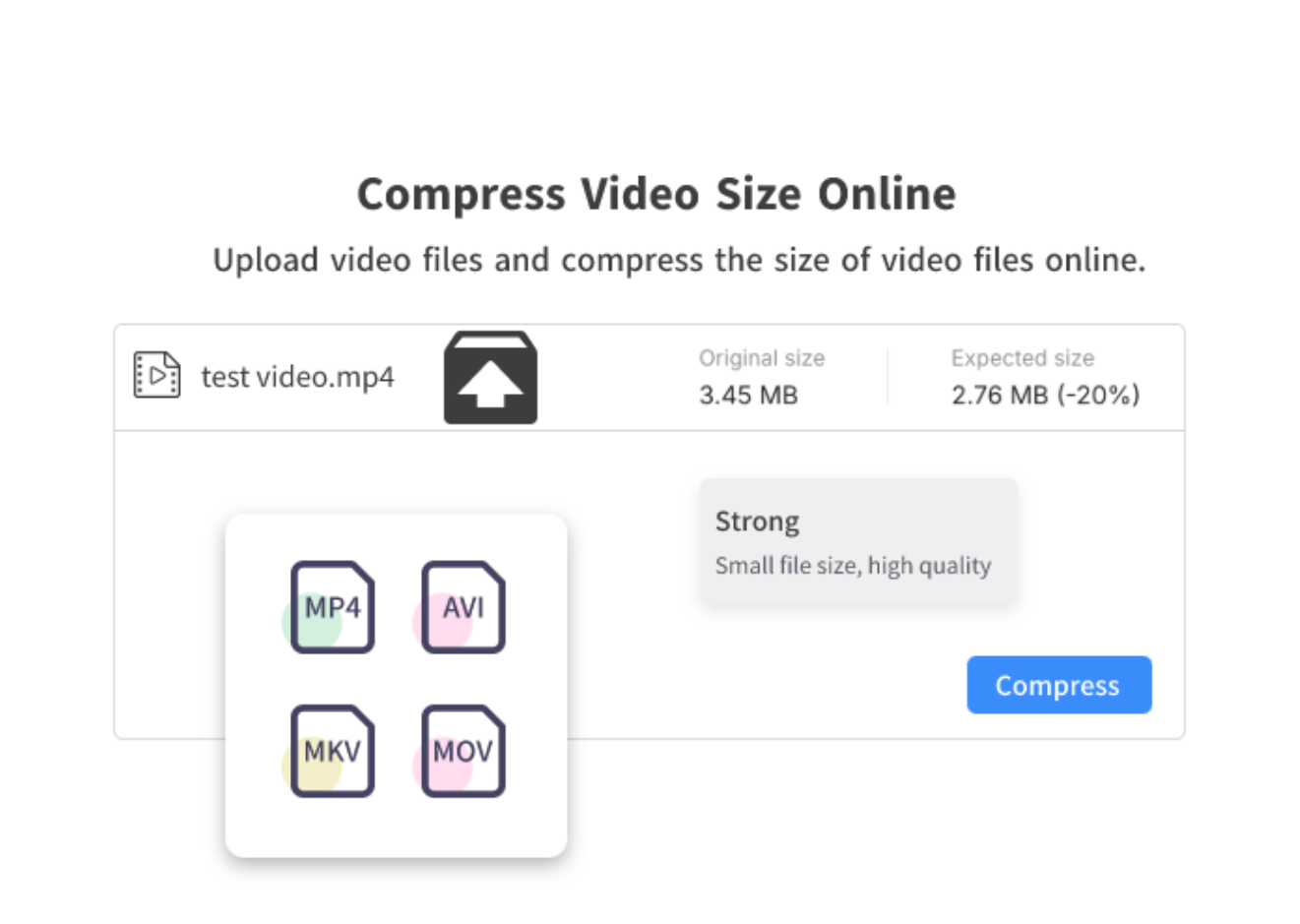
Use Cases of VimeGo
A online video compressor quickly reduces file sizes, allowing you to achieve a specific file size. Free compression and export to local.
Compress Video Size
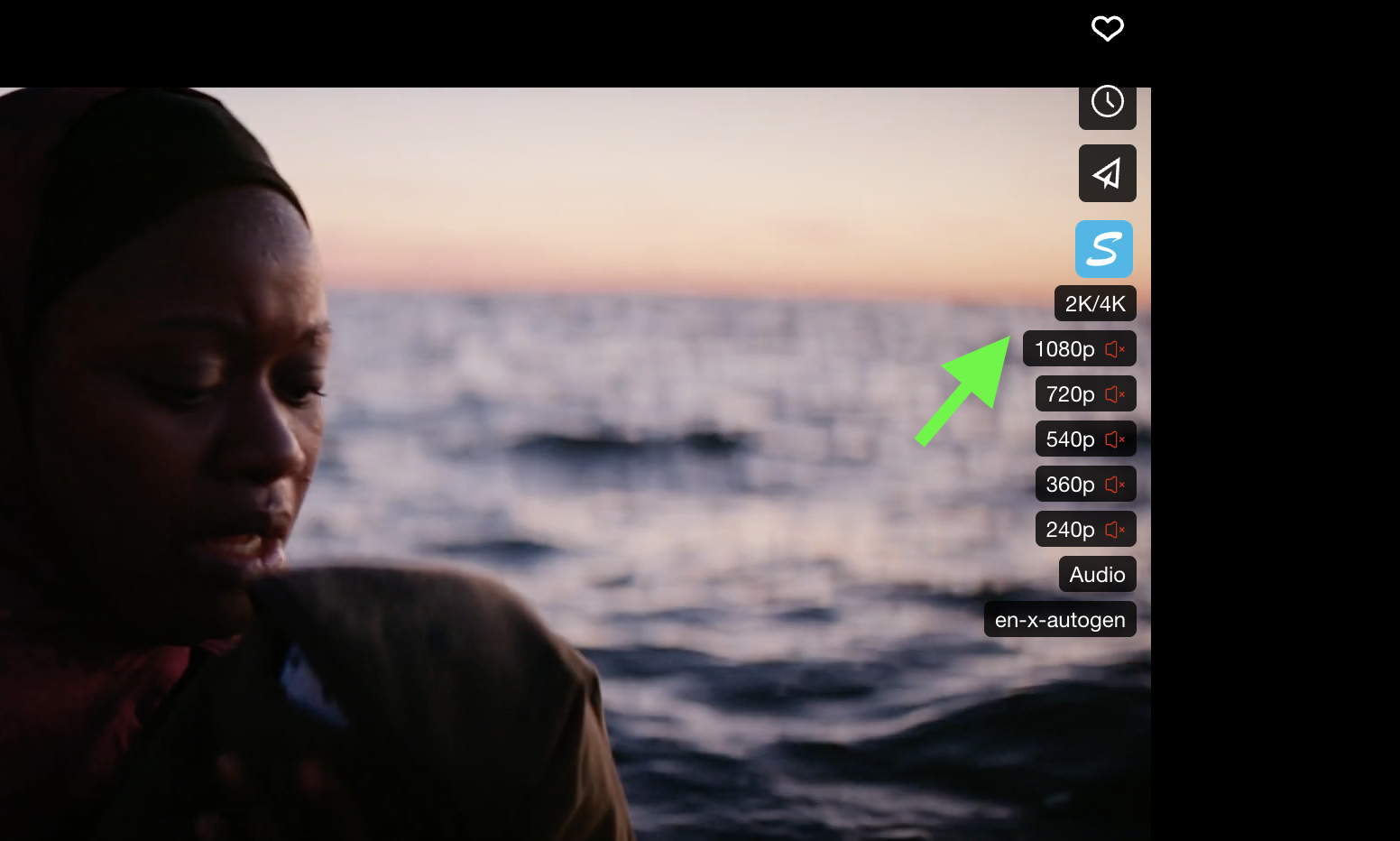
Vimego - Simple Video Downloader can recognize variant links to HD versions of videos, which is a crucial step in downloading them in FFmpeg. You just need to choose 2k/4k at the download button.
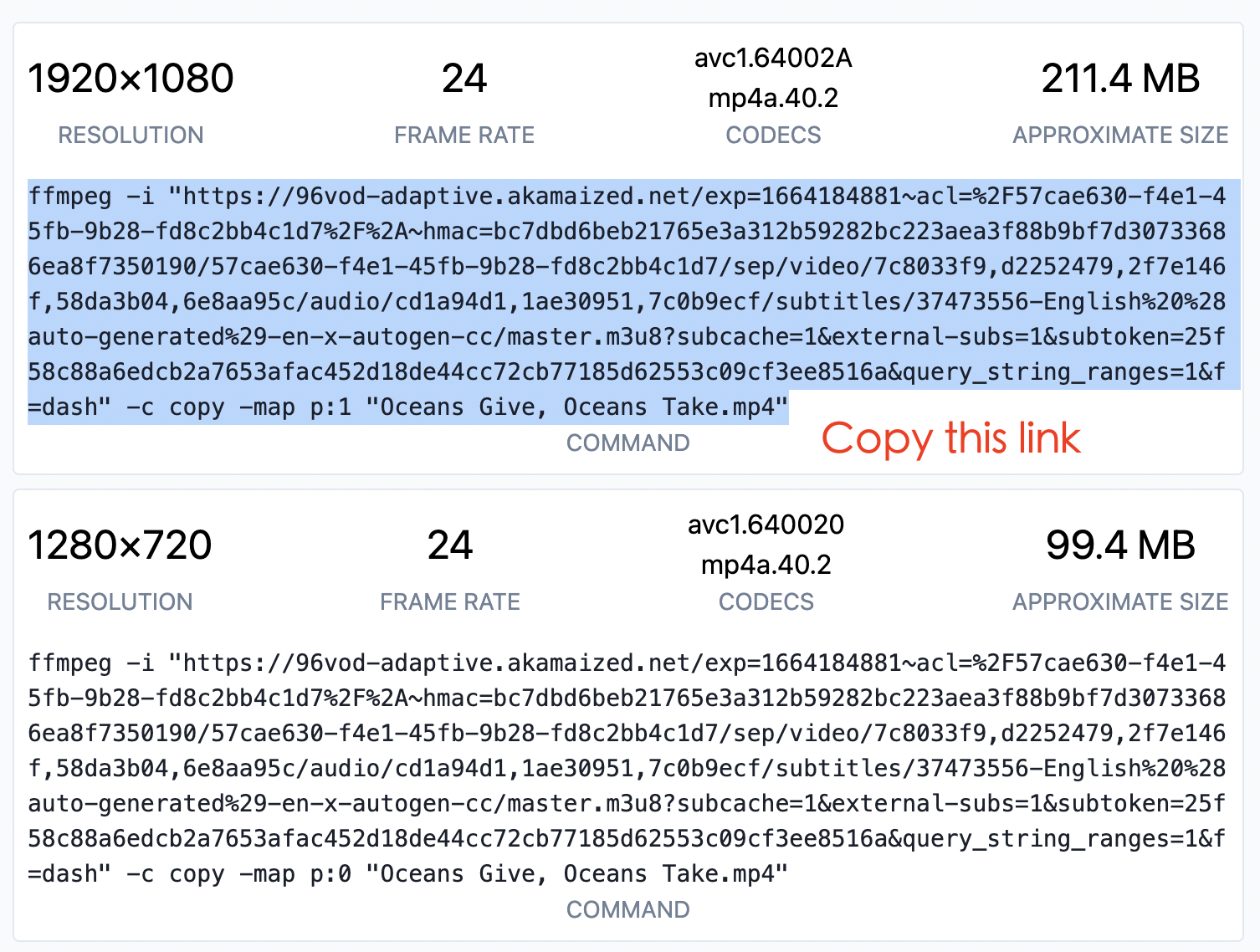
You will be redirected to the VimeGo website where you can see links to variants of this video in all qualities. Please copy one of them.
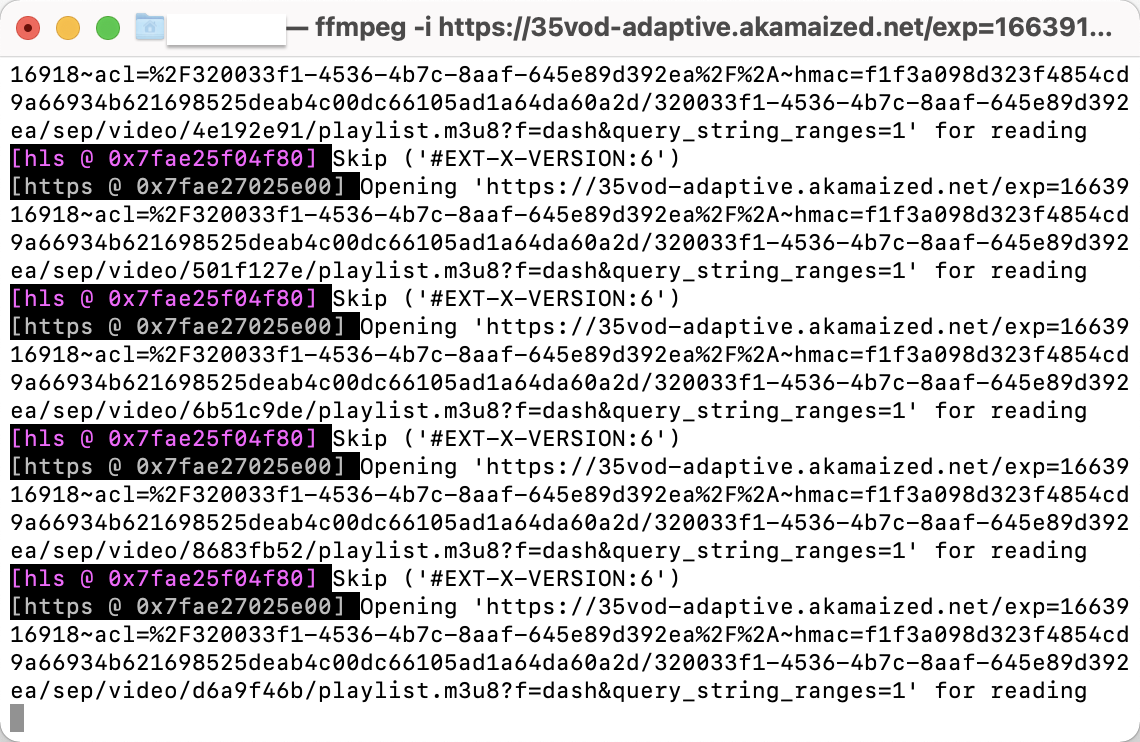
Paste copied command in Terminal (macOS/Linux) or Command Prompt (Windows) and push Enter to execute. After the file is downloaded, it will be saved in the Downloads folder on your device.
VimeGo.io
Explore the video downloader in one 1-minute.
“This video downloader has one job to do, and does it :) I successfully used it to download a series of videos embedded in a third-party website. Super easy.”
“Tried several addons to download videos. VimeGo- Video Downloader works every time and works great, and is very easy to use. Love it!”
“VIMEGo is a great Video Downloader extension. Very useful !”
“It's an amazing Video Downloader that actually works and is privacy friendly too, because of being open source. Great work!”
FAQ
Currently, You can go to the Chrome Store to download the VimeGo video downloader. You can install it by clicking here.
Step 1: You need to install downloader extension of VimeGo; Step 2: Open video platform and download videos as usual; Step 3: Enable the video downloader extension to automatically inject the download button; Step 4: Choose video qulity to download.
VimeGo supports downloading videos of multiple resolutions. This feature is better than other extensions. You can download videos for 240p, 360p, 480p, 720p, 1080p, 2K/4K and other resolution types with video downloader.
You can use VimeGo - Simple Video Downloader to downloadvideos 1080P video for free, but you need to download the audio again to combine.
You can install VimeGo's browser extension to download video embedded private video. 1. Install the extension 2. Open the video video or list 3. Click the extension's download button. Specific tutorial: How to Download Video Private Videos?
Please go to Chrome Web Store to install VimeoGo browser extension.
Due to browser limitations, videos with large memory will be downloaded in sections. You can try clicking the "ext" button to finish downloading the video, or use another player to merge the videos.
Of course , as long as the Video player is embedded in the social media page, VimeGo can be downloaded.
Due to adjustments, we no longer have free access to resources with audio. If you need to obtain video resources with sound, we provide two methods: 1. Subscribe to our Pro version, download video with audio directly; 2. Free to download video and audio separately and combine them together.
If you have questions about subscribing to VimeGo’s premium plan, please visit this page to find the answers 👉 About Subscription
In general, no. We recommend that you do not use the downloaded video for commercial purposes, or contact the video author for consent.
VimeGo will not collect and use your privacy information.
According to the provisions of Video allows the Uploader video and the users, the Clips play, embed and download, for non-commercial purposes. However, the Download is illegal, if the copyright owner has not consented in any way to this type of Distribution is added.